
Build your wedding invitation in one evening
5 min read
Grab a cup of tea and your partner. In one evening you can go from a blank page to an invitation your guests will open, read and actually answer. Here is the route through the builder, step by step, with where to tap ringed on every screen.
Step one: find the one (the design, we mean)
Start on Templates. The shelves at the top sort the designs by occasion, and the two boxes under them show the multi-page designs, the single pages, or both. Tap the one you love.
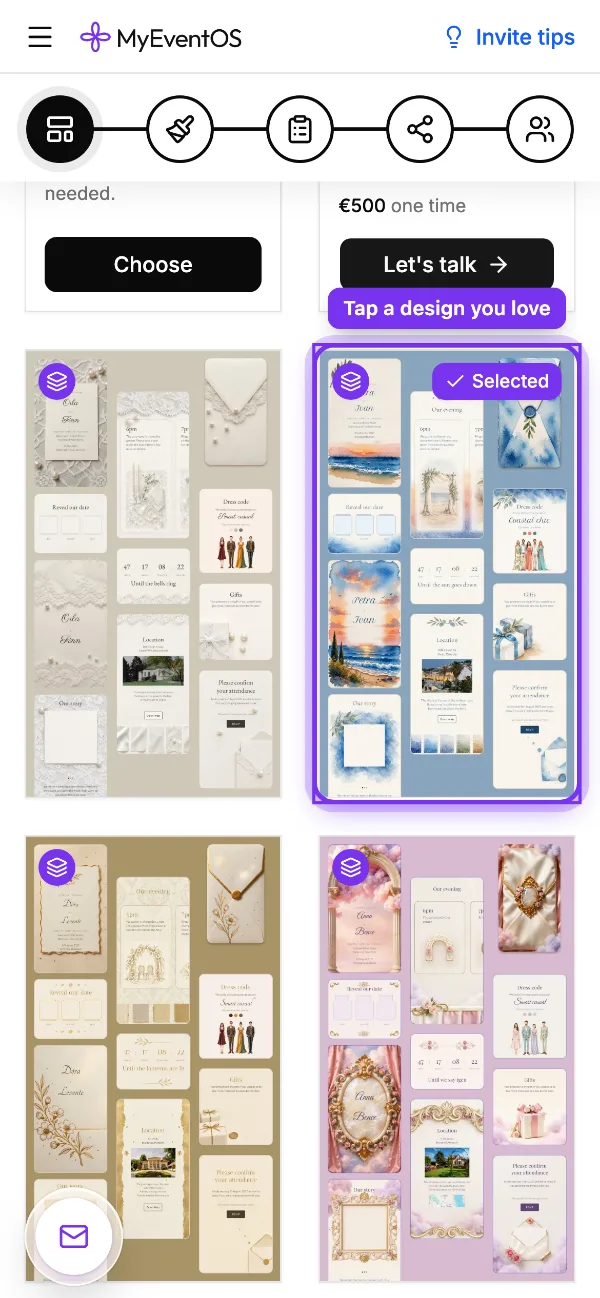
Choose with your guests' phones in mind. A design that reads beautifully at the size of a hand beats one that only shines on a big screen, and almost every guest will open it on a phone.
Step two: fill the form, then play
The quickest way to a finished invitation is the short form. It walks you through every page, your names, the date, the place and the schedule, and what you type lands on every page at once. The names on the envelope, the welcome page and the reply always agree.
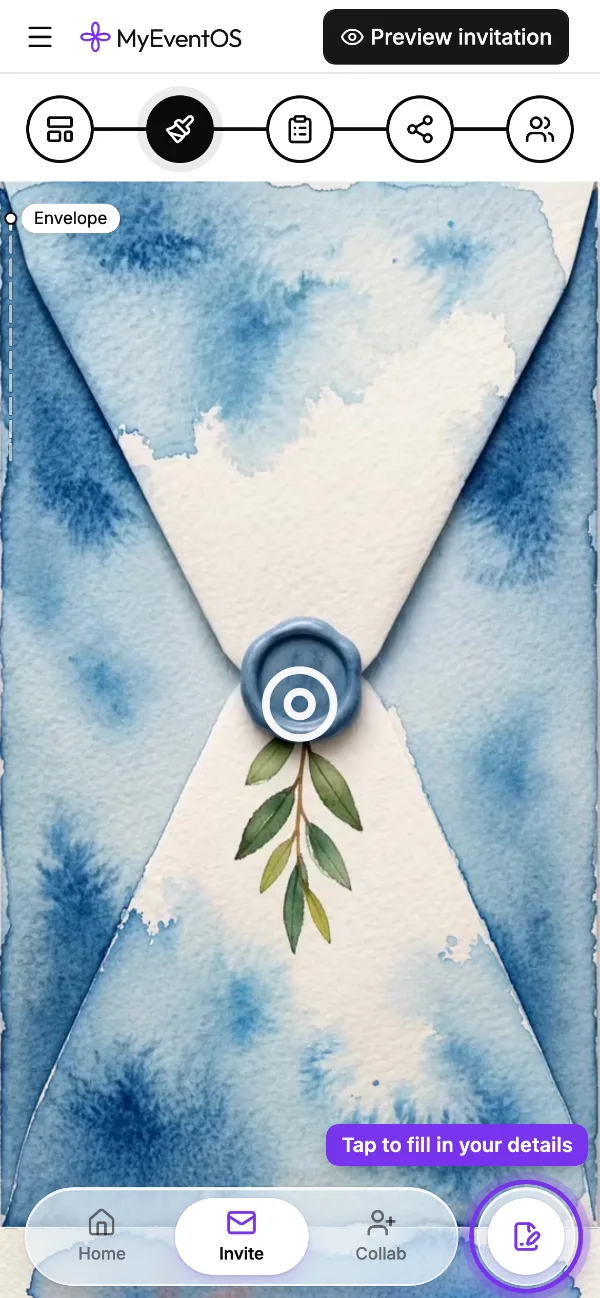
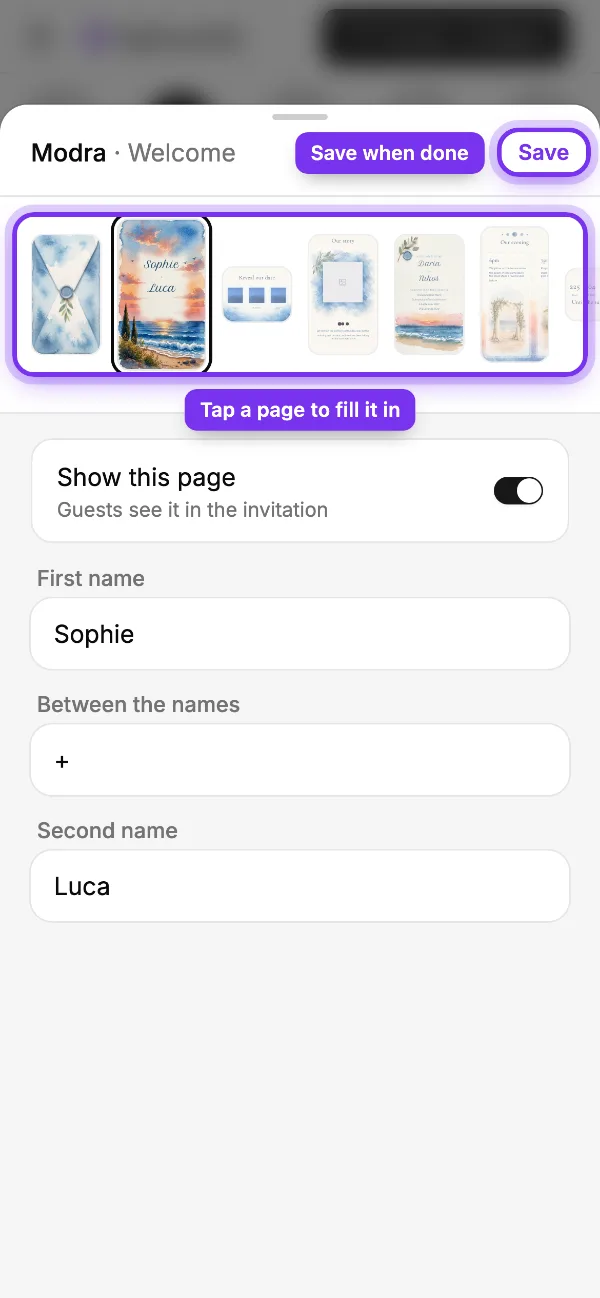
- On Customize, tap the round pen button at the bottom right.
- Tap a page in the row at the top, and fill in what it asks.
- Switch off Show this page on any page you do not need.
- Tap Save, and watch the invitation fill in behind the form.
Step three: tap anything to make it yours
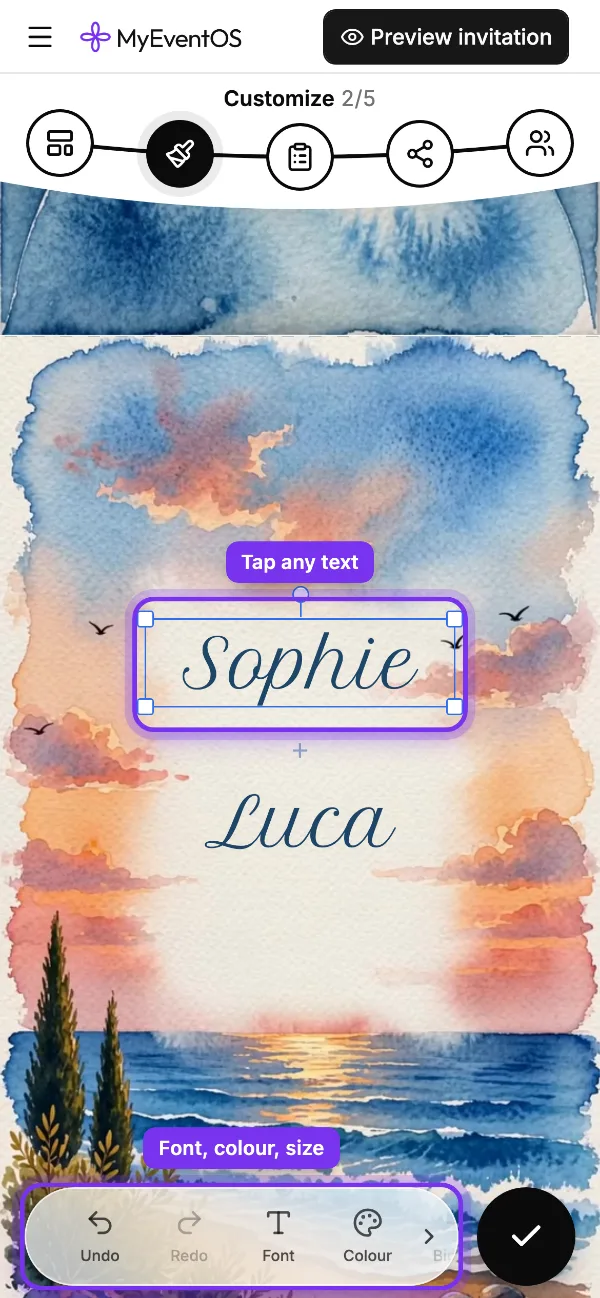
Now the fun part. Tap any line, picture or flourish on the invitation and its tools come up at the foot of the screen: a new font, a colour, bigger, smaller, bold. Changed your mind? Undo is right there. Tap the round tick when you are happy.
Do
- Keep to the design's own two or three fonts
- Take colours from the design itself
- Make your names the biggest thing on the page
Don't
- A new font on every line
- Neon on watercolour
- Shrinking the date to fit a longer sentence
Words that make them smile (and still say when)
Guests read an invitation in seconds, so every line has a job. A little charm helps it stick. A few that do their job and get a smile:
- Welcome: “Two people, one sunset, and all of you.”
- Dress code: “Garden party. Heels sink, wedges float.”
- Schedule: “Four o'clock vows, five o'clock toasts, nine o'clock questionable dancing.”
- Gifts: “Your presence is the gift. If you insist, there will be a box by the door.”
- Reply: “Tell us by 1 August, so we can save you a seat (and a slice of cake).”
Read each page aloud once. If you trip over a line, a guest will skip it.
Ask only what you will use
The survey is where the answers come back to you. Whether they are coming, how many of them, and what they eat cover most weddings. Set a reply date and let the reminders do the chasing.
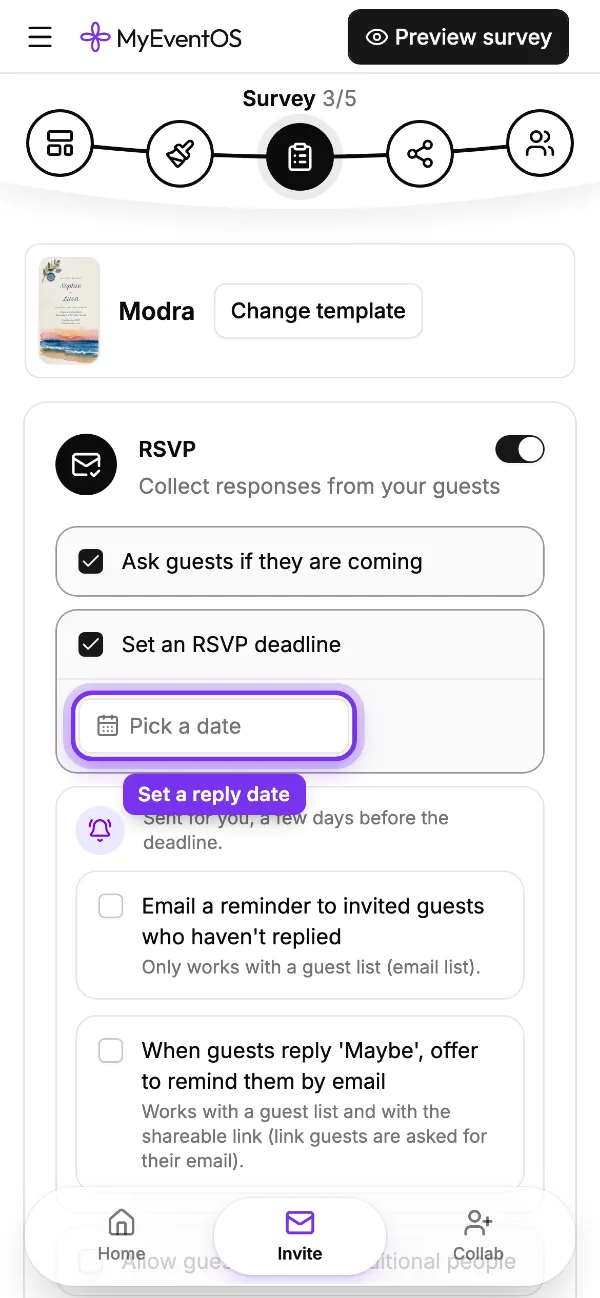
Every question costs a few replies, so keep the ones you will act on. Our guide to what to ask on an RSVP goes through them one by one.
Be your own first guest
Before anyone else sees it, tap Preview invitation at the top and open it the way a guest will: envelope first. Tap the seal, scroll every page, try the map and the reply.
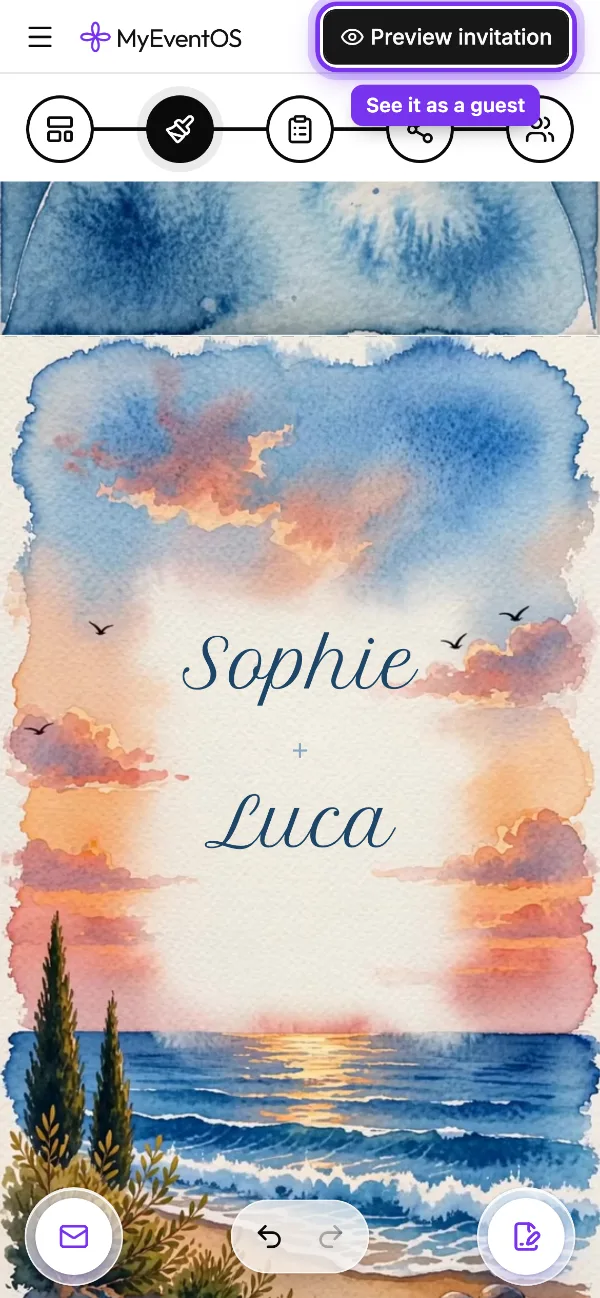
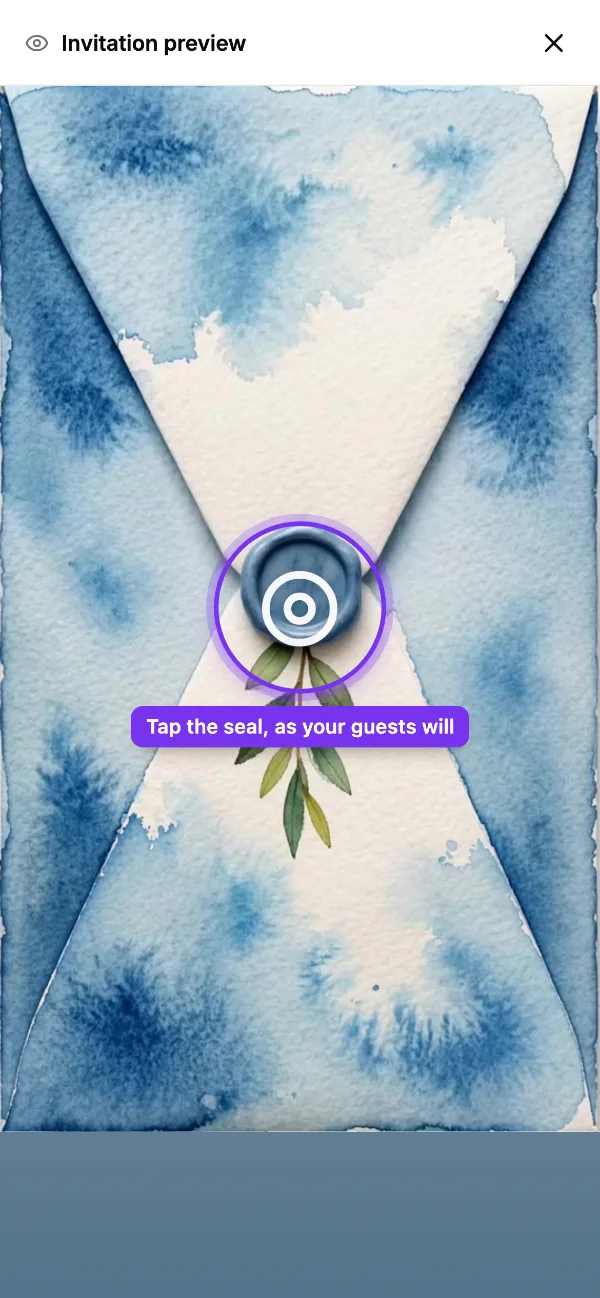
Then bring your partner in with Collab at the foot of the screen. A second pair of eyes catches the 2026 that should have said 2027.
Collect the answers while you are at it
MyEventOS turns the invitation, the RSVP and the guest list into one link, and counts the replies as they land. Free to design, free to send, and the first ten replies are included.
Start creating free