
Account and data
Deleting your account
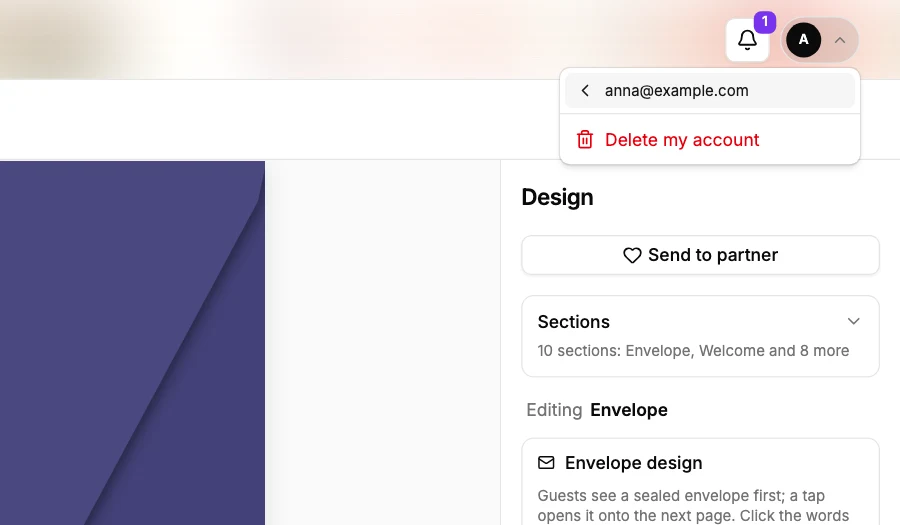
- On a computer, press your initial at the top right, then your email. On a phone, open the menu ☰, then Account, then Account settings.
- Press Delete my account.
- Read what will be deleted, type delete account to confirm, and press Delete my account.
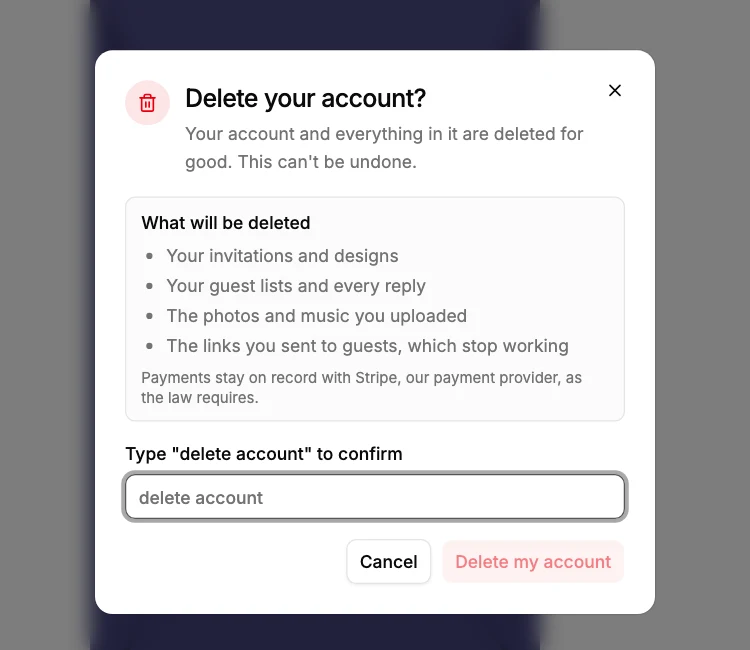
Your account, its events and their replies are deleted. Payments stay on record with Stripe.
Did this not answer it? Write to us
A person reads every message and answers by email. Say which event it is about and, if something went wrong, what you were doing at the time.
Email support@myeventos.comHave an account? Log in to write from here.