
Designing
Editing text, photos and artwork
Tap any text to rewrite it. The panel beside the page holds its size, its font under Text style, and its colour under Text fill.
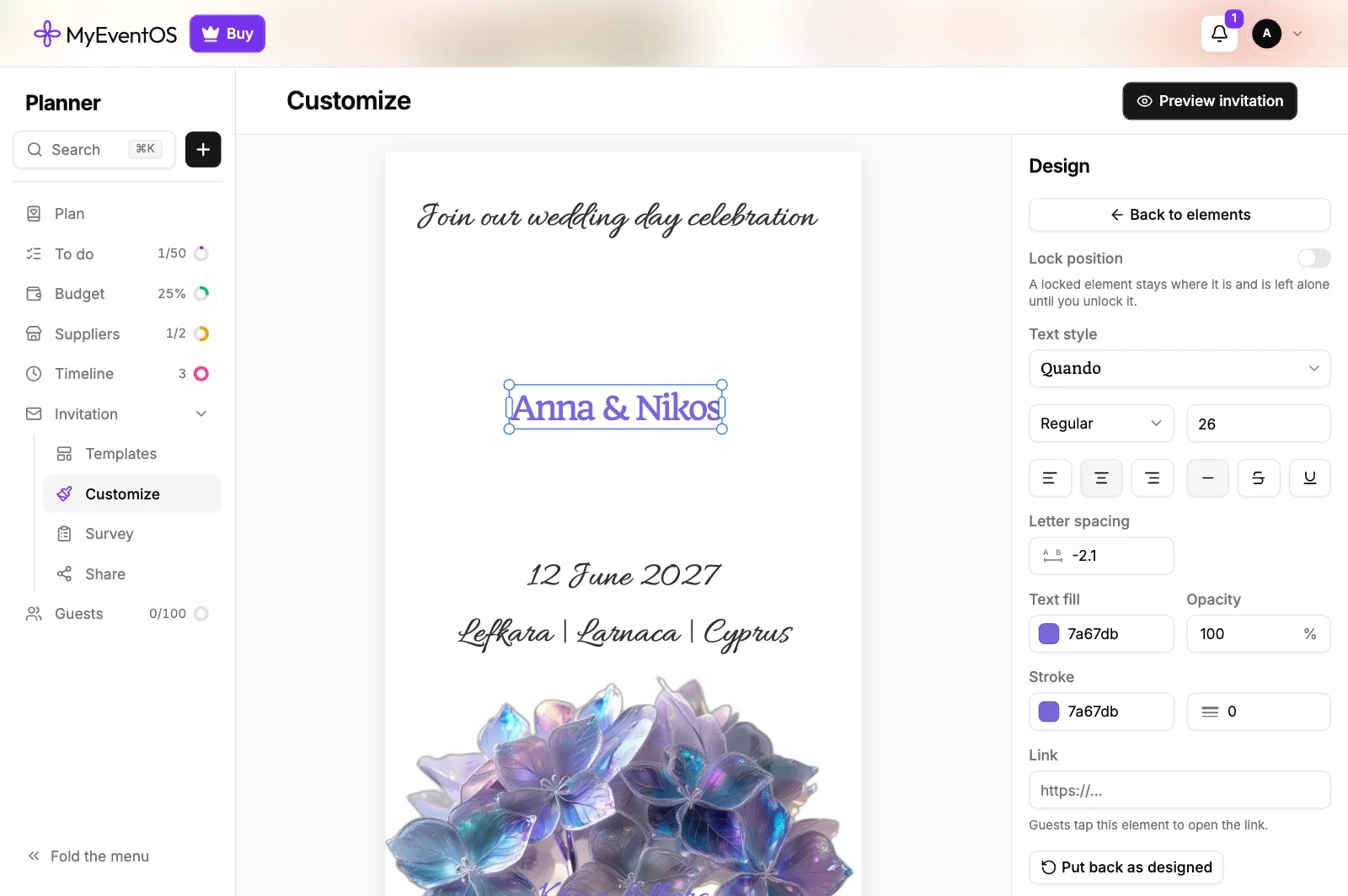
Drag a text box by its middle to move it. Pull a corner to make the letters larger or smaller. Pull the handles on its sides to make it narrower: the letters keep their size, and long text breaks into more lines. Nothing shows outside the page, so what you see is what a guest's phone shows.
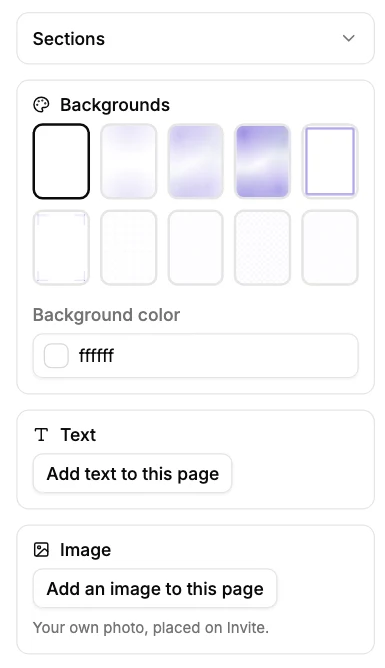
Your own photo goes where the design has a place for one: choose that place and upload. On a free design, add it with Add an image to this page, under Image in the panel. Where a design offers more than one artwork or background, the choice sits in the same panel.
Did this not answer it? Write to us
A person reads every message and answers by email. Say which event it is about and, if something went wrong, what you were doing at the time.