
Account and data
The emails we send, and how to stop them
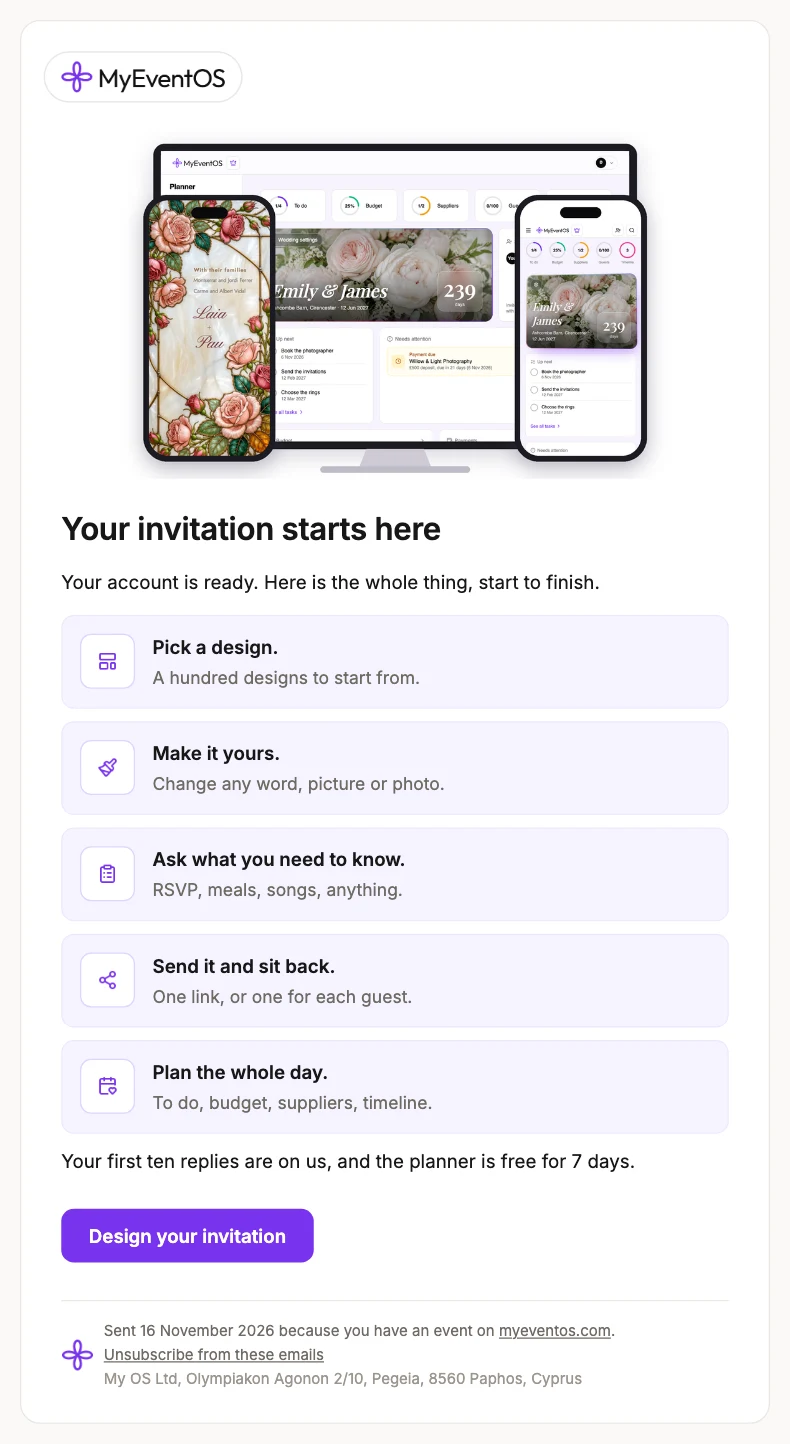
We write a few times as an event takes shape: a welcome, a reminder if the invitation has not been sent, a note when it goes out, and word as your free replies fill up. Each carries an unsubscribe link, and unsubscribing stops all of them.
Emails telling you a guest has replied are switched on and off from the bell at the top of MyEventOS, not by unsubscribing.
Invitations and reminders to your guests are your messages, sent because you asked, and are not affected.
Did this not answer it? Write to us
A person reads every message and answers by email. Say which event it is about and, if something went wrong, what you were doing at the time.
Email support@myeventos.comHave an account? Log in to write from here.