
Sending
A guest says the link does not open
Check the link first. The right one is on Share and begins with myeventos.com/i/. A link copied from the builder's address bar is your private workspace, not the invitation.
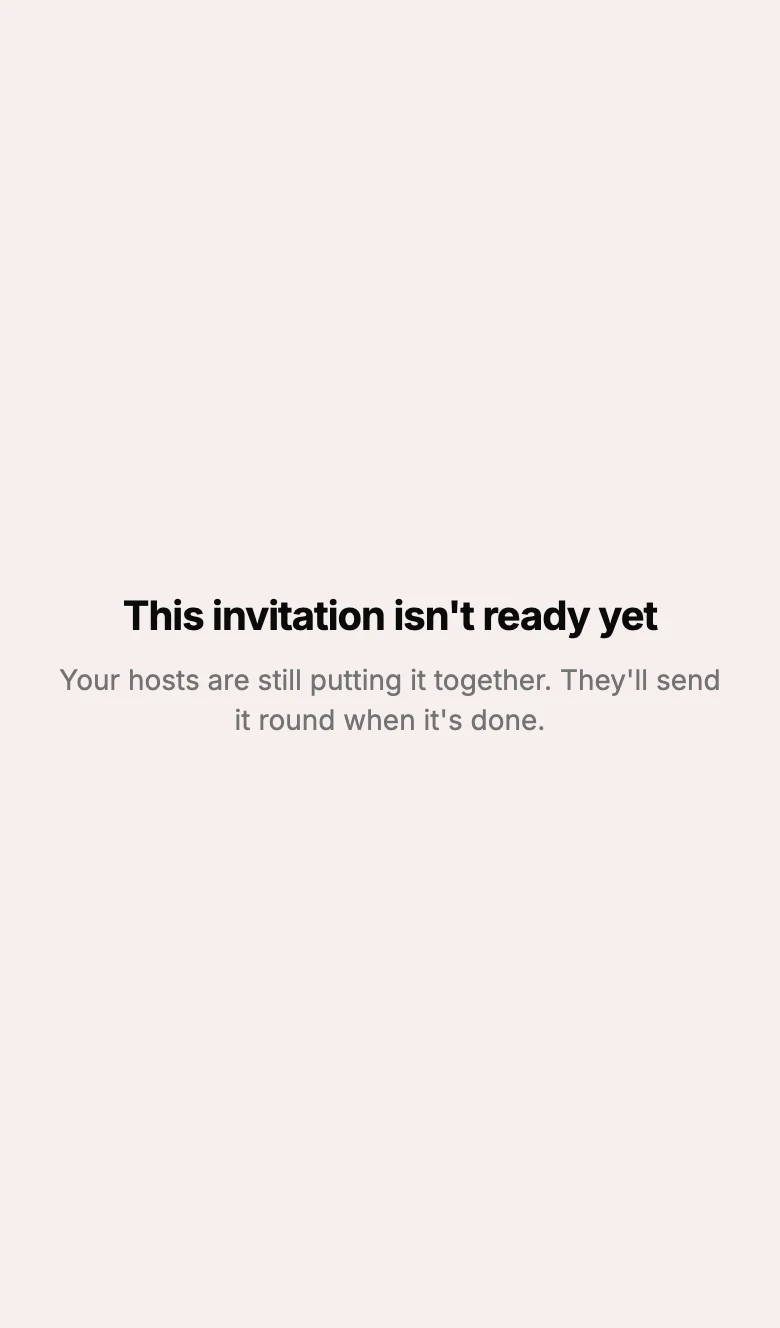
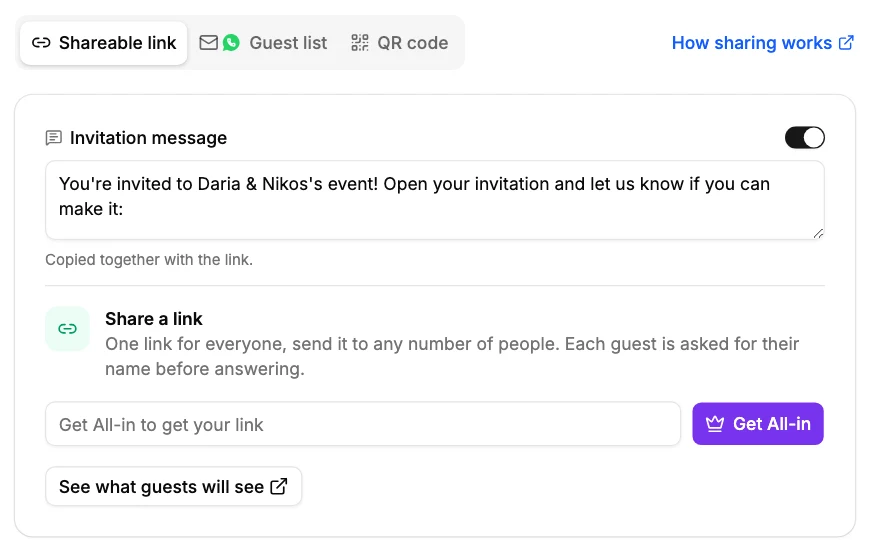
A drawn design that is not yet unlocked shows guests a page saying the invitation is not ready, and Share holds the link back until it is. Unlock it with All-in and the link is yours to send.
If Share shows a note that the invitation is being looked at, an automated check has held it. Write to us and a person releases it.
If it is none of these, send us the link and what the guest saw, and we will look.
Did this not answer it? Write to us
A person reads every message and answers by email. Say which event it is about and, if something went wrong, what you were doing at the time.
Email support@myeventos.comHave an account? Log in to write from here.