
Getting started
I have printed invitations and only need RSVPs
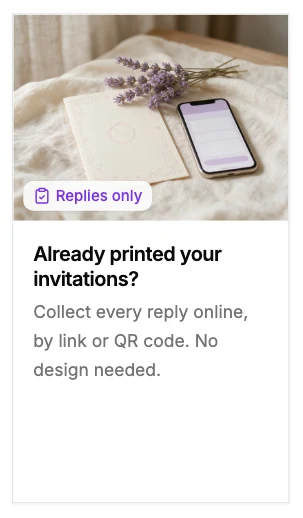
In Templates, choose the first card, Replies only: Already printed your invitations? Instead of a designed invitation you get a reply page, with a link and a QR code. It opens on Survey, where you choose what guests are asked, and the event then reads RSVP only, no invitation.
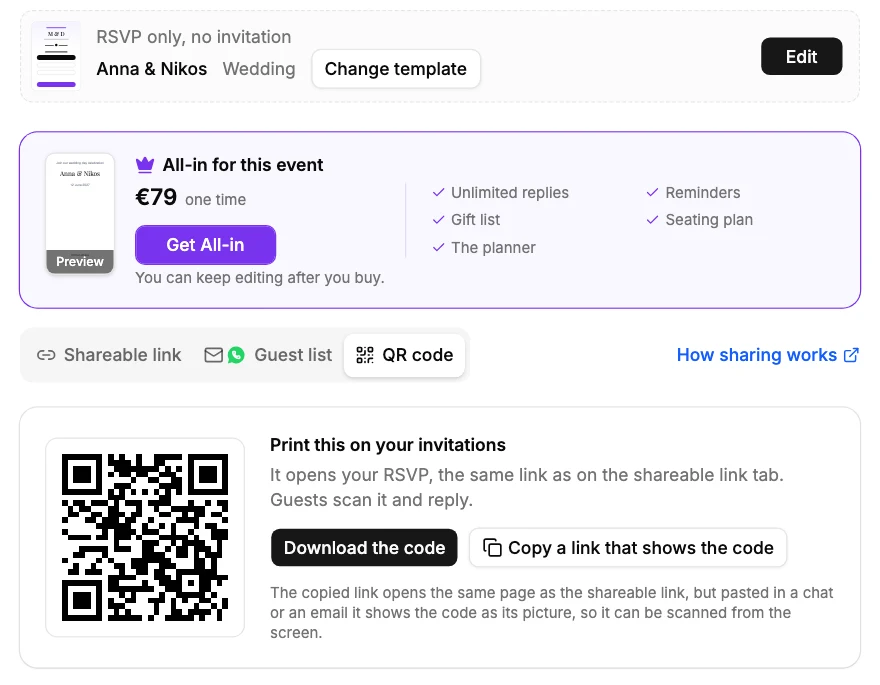
Print the QR code on your cards or add the link to them, from Share. Guests scan or tap, answer in under a minute, and the guest table, seating plan, gift list and reminders all work the same as for a sent invitation.
Did this not answer it? Write to us
A person reads every message and answers by email. Say which event it is about and, if something went wrong, what you were doing at the time.
Email support@myeventos.comHave an account? Log in to write from here.