
Designing
Website sections and music
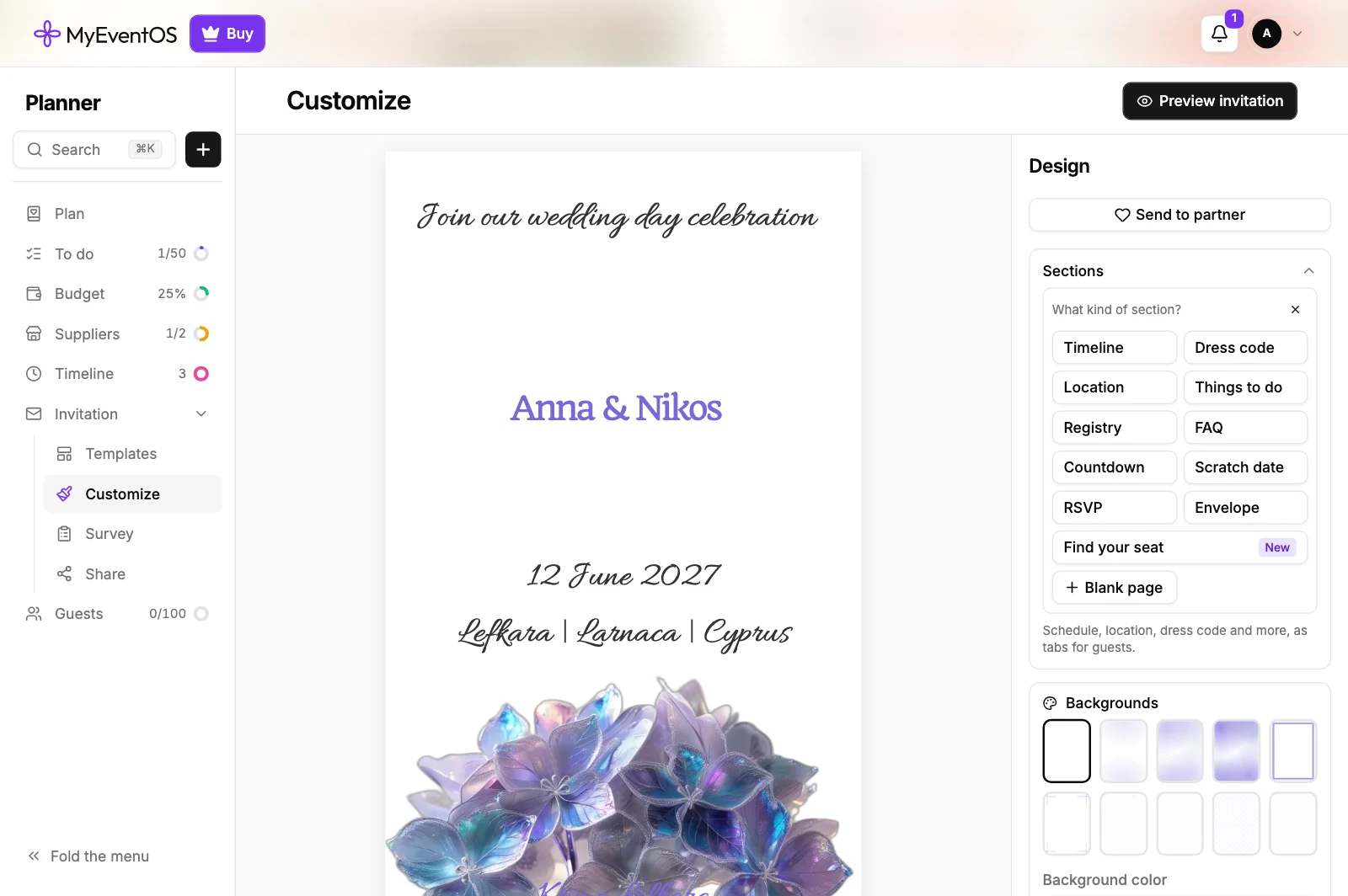
Website sections are extra pages behind the same link: a schedule, travel and where to stay, a dress code, your story, a countdown, the reply page. You design them with the same tools as the invitation, and guests move between them as tabs. They are free, on every event.
To add one, open Customize, then Sections, press Add a section and choose what kind.
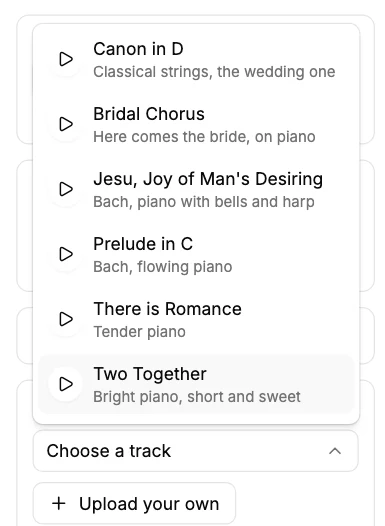
A music track can play as guests read. Turn on Music at the foot of the panel in Customize, play a track to listen before you choose it, or upload your own.
Did this not answer it? Write to us
A person reads every message and answers by email. Say which event it is about and, if something went wrong, what you were doing at the time.
Email support@myeventos.comHave an account? Log in to write from here.